Organizations & Resource Groups
Organizations act as the top-level administrative entity in Codesphere, representing your company or business unit as a whole.
While Resource Groups are collections of actual resources and all the tools for interaction with them, the Organization layer provides a unified governance umbrella over all your Resource Groups. It gives you a centralized overview and control over who has access to what areas of your company's resources.
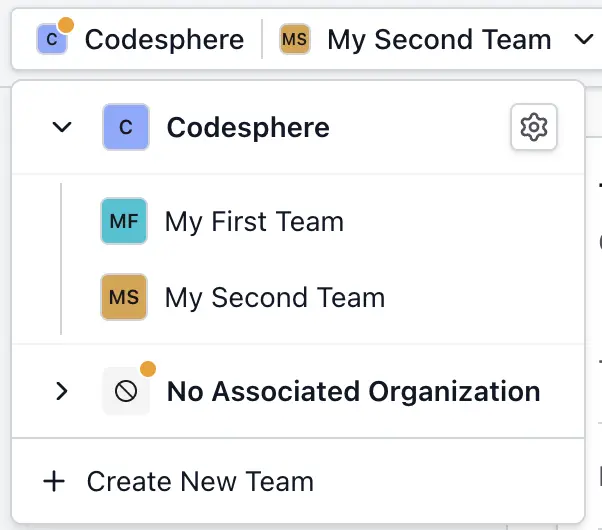
Administering your Organization
Access in Codesphere is strictly hierarchical to ensure security and ease of management.
- Organization Owner: Has full visibility and administrative control over the entire organization. They can invite users to the organization, oversee all associated resource groups, and manage top-level infrastructure and organization level settings. All resource groups within the organization automatically appear in an Owner's resource group list with Admin access — no explicit resource group membership is required. If an Owner is also an explicit member of a resource group with a specific role, that role takes precedence and no duplicate entry is created.
- Resource Group Admin: Has administrative control strictly scoped to a specific resource group. They can manage resources at the resource group level and assign existing organization members to their resource group.
- Resource Group Member: Has role-based access to specific workspaces and landscapes within their assigned resource group, enabling them to develop and deploy applications.
For what each role can do and how roles are inherited down to individual Workspaces, see Access Management.
User Management & Invites
To maintain strict access control, user management operates top-down:
- Centralized Invites: Users must first be invited to the Organization.
- Resource Group Assignment: Once a user is an Organization Member, they can be assigned to one or multiple Resource Groups within that Organization.
- Secure Offboarding: This structure makes onboarding and offboarding highly secure. Removing a user from the Organization instantly and reliably revokes their access across all Resource Groups they were part of.
- Leaving an Organization: Members can leave an organization themselves using the Leave Organization button on the Members page. If you are the sole Owner, you must first assign the Owner role to another member before you can leave.